For churches. Your programme, right where your people plan.
Free · for every denomination · in the browser
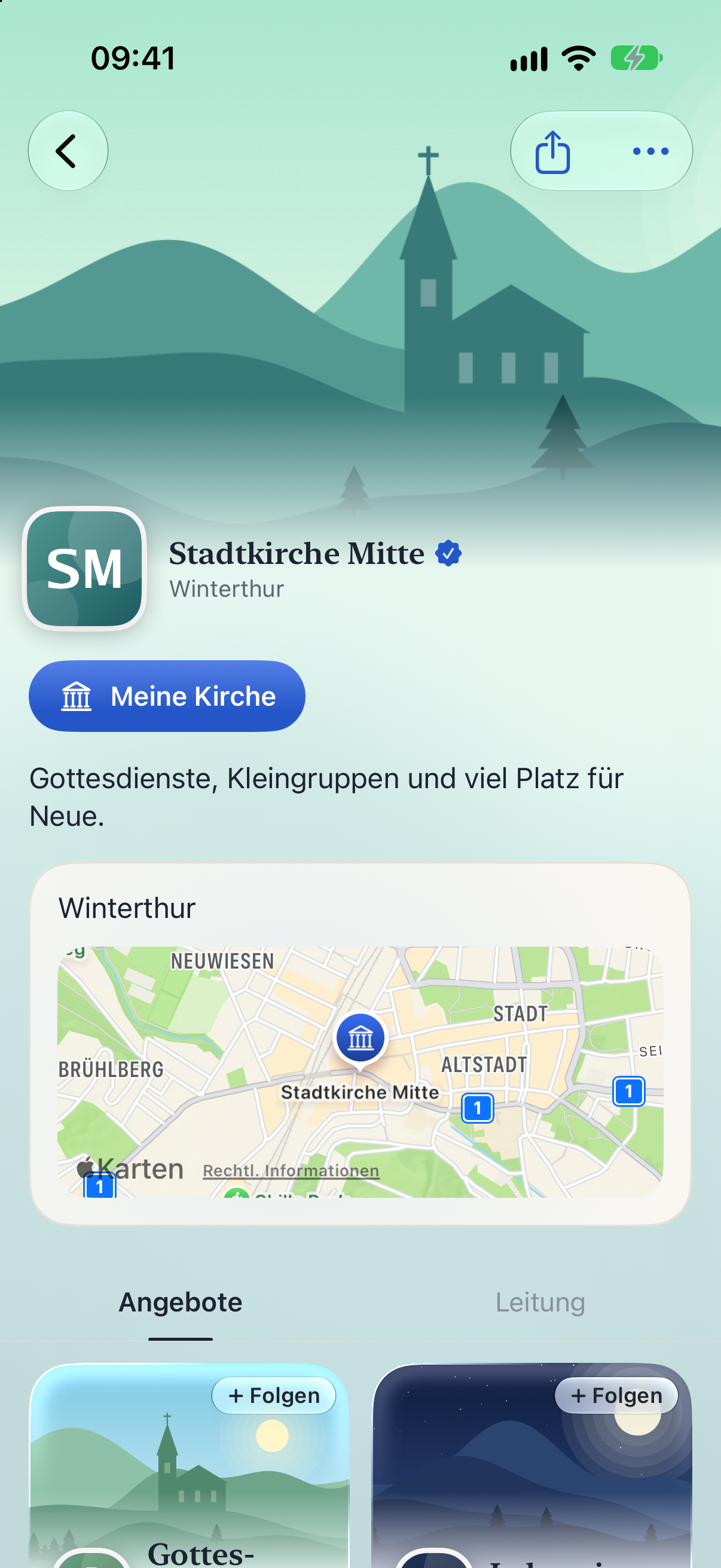
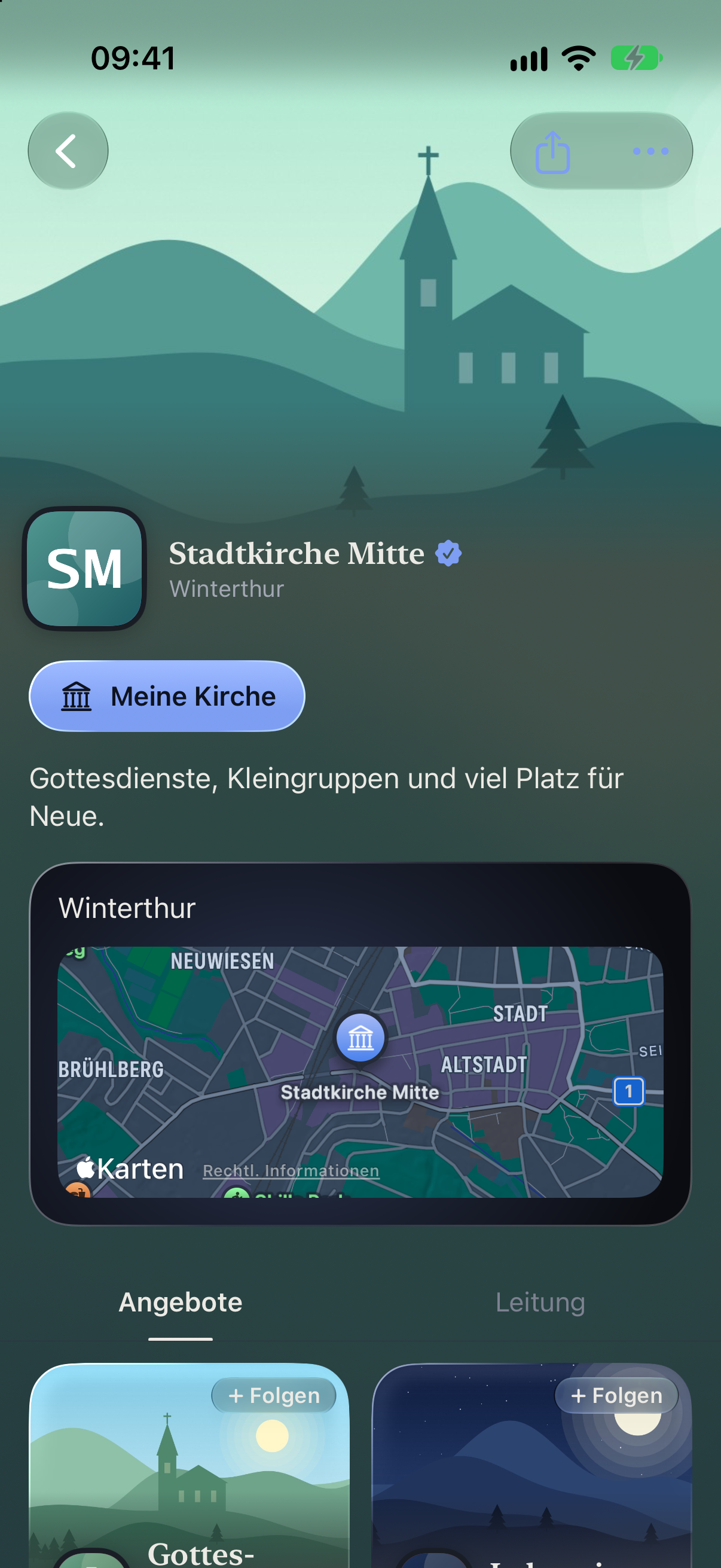
Enter it once. There every Sunday.
Set up your services as a series and the dates appear by themselves. If one is off, you cancel just that one.
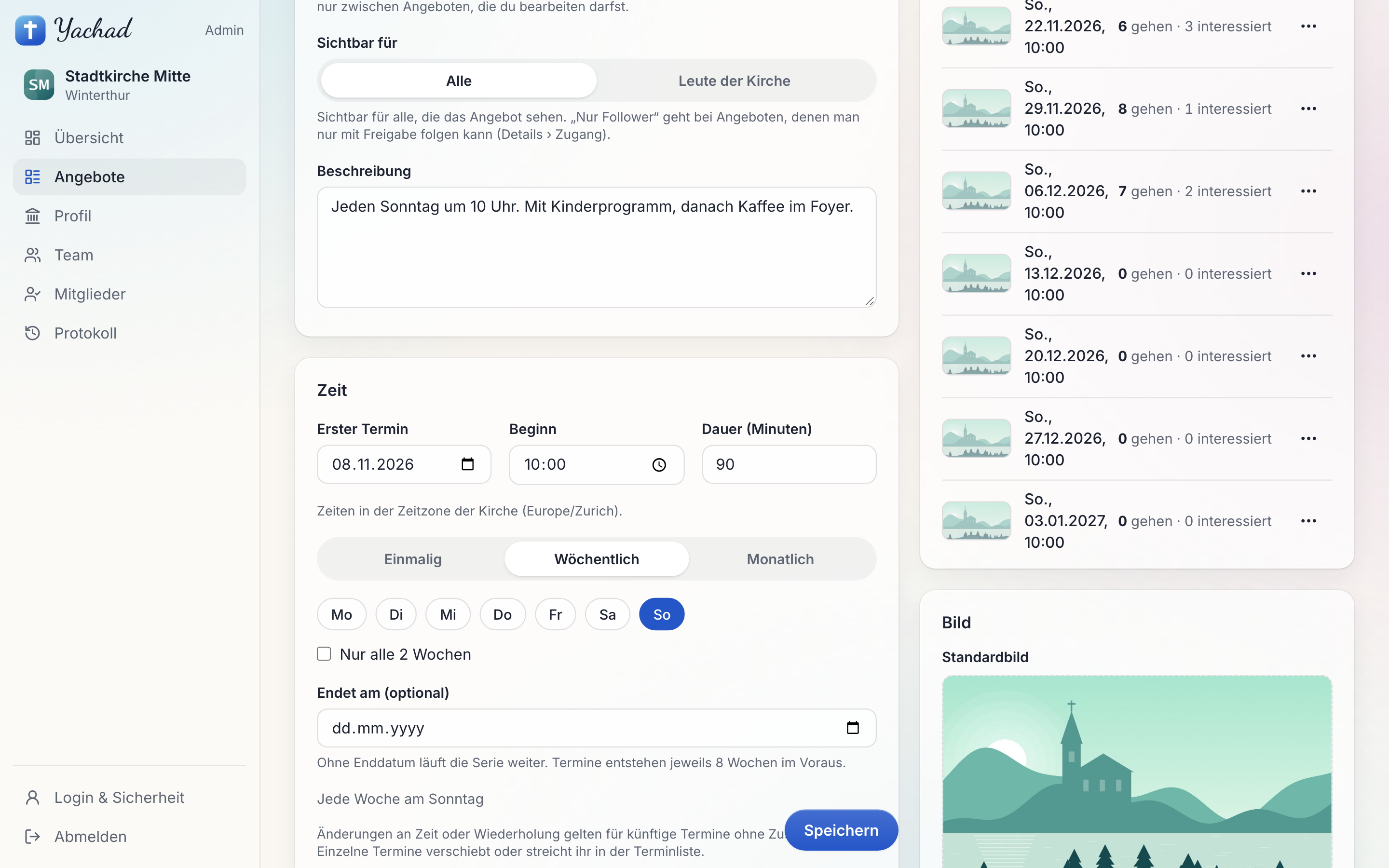
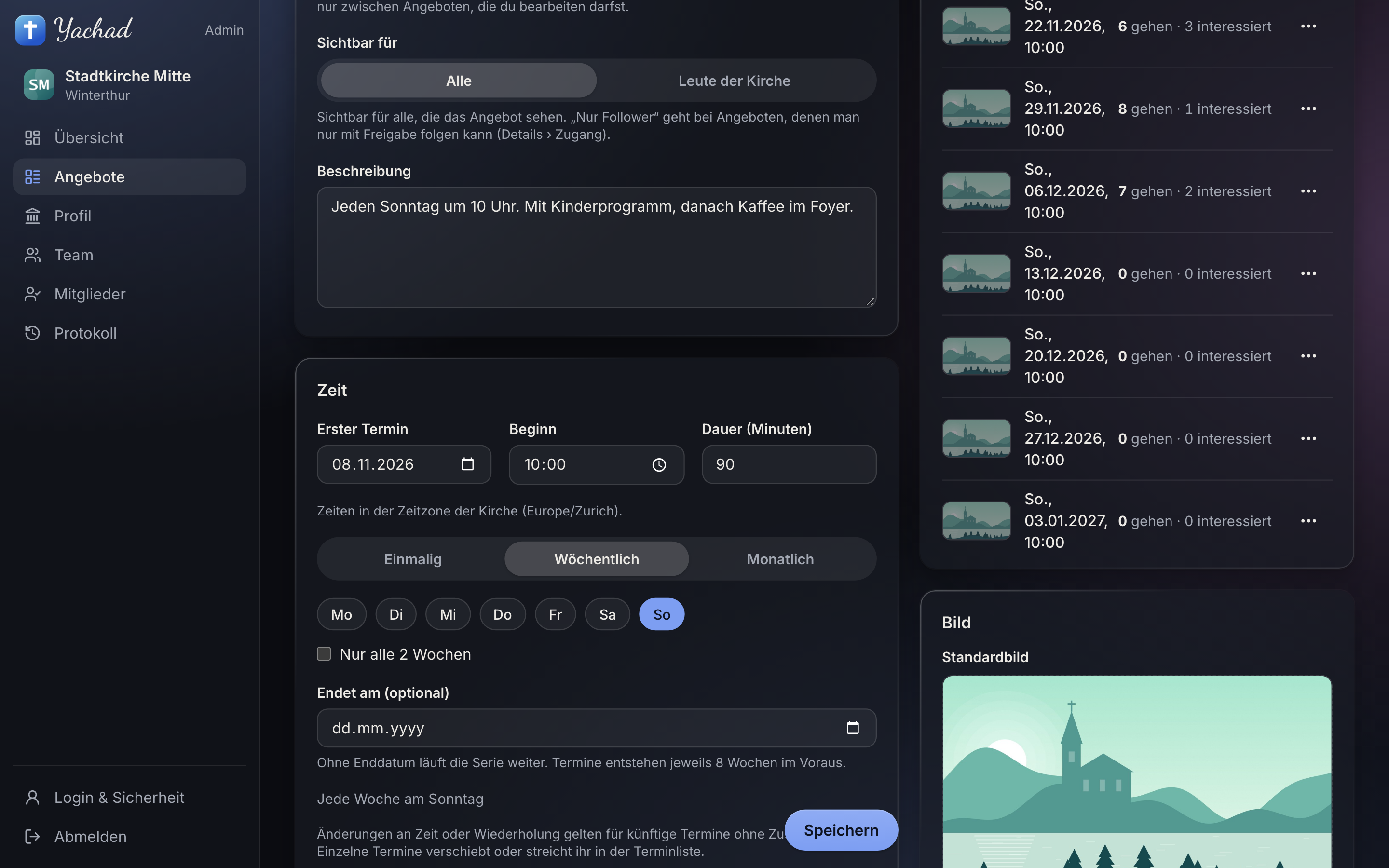
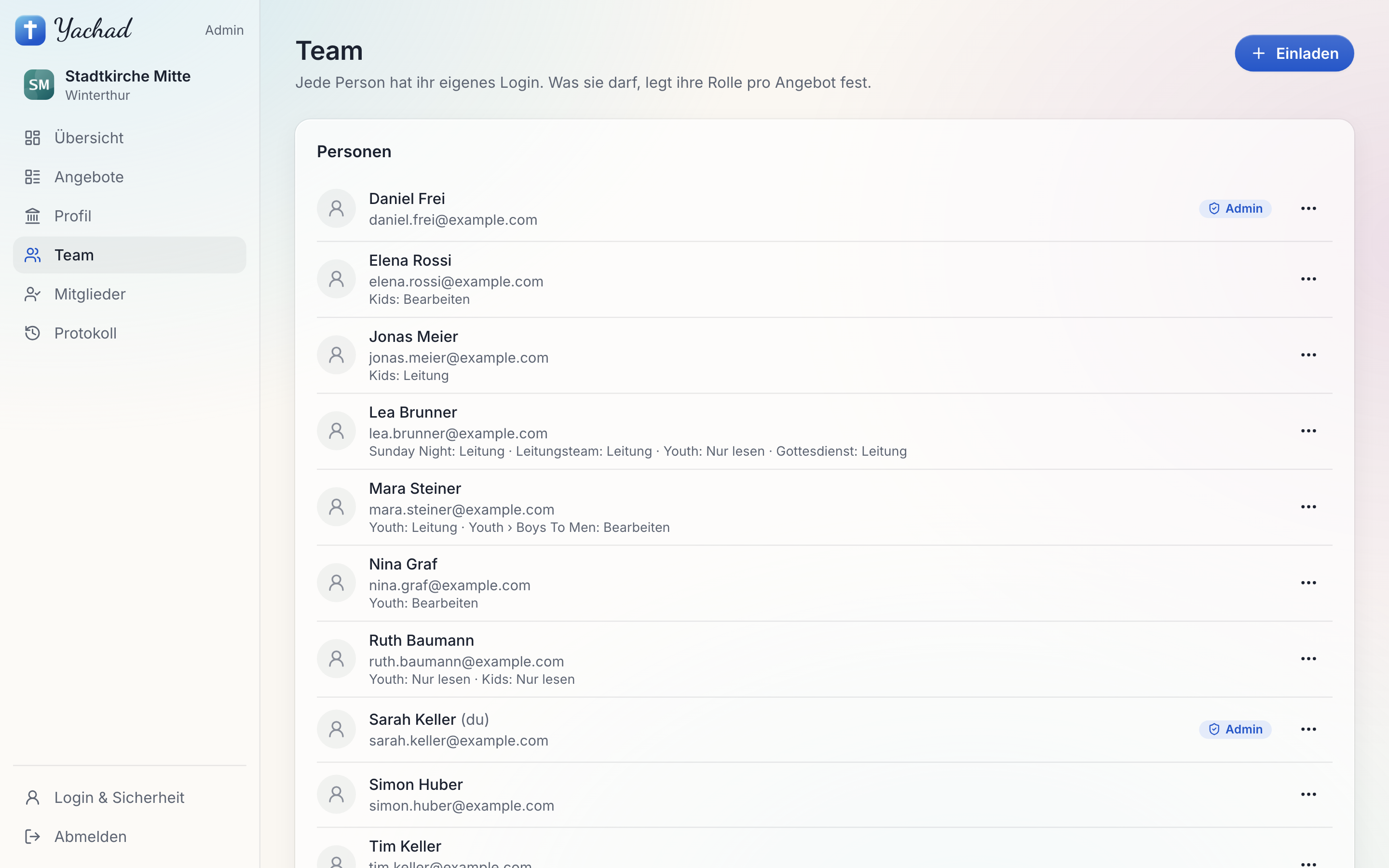
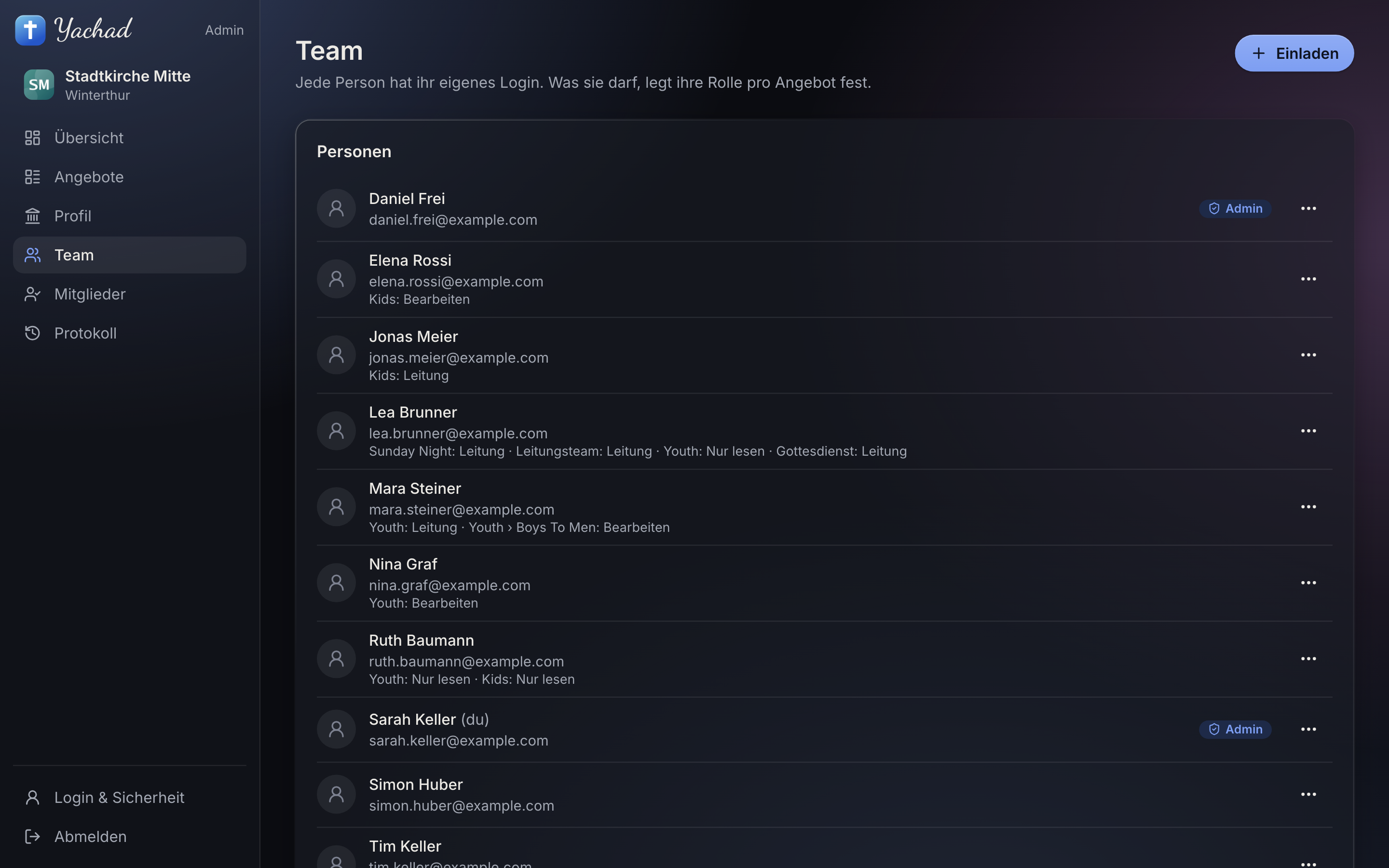
Every ministry has its people. Everyone has their own login.
Whoever leads the youth looks after the youth. Each ministry has the roles lead, edit and view only.
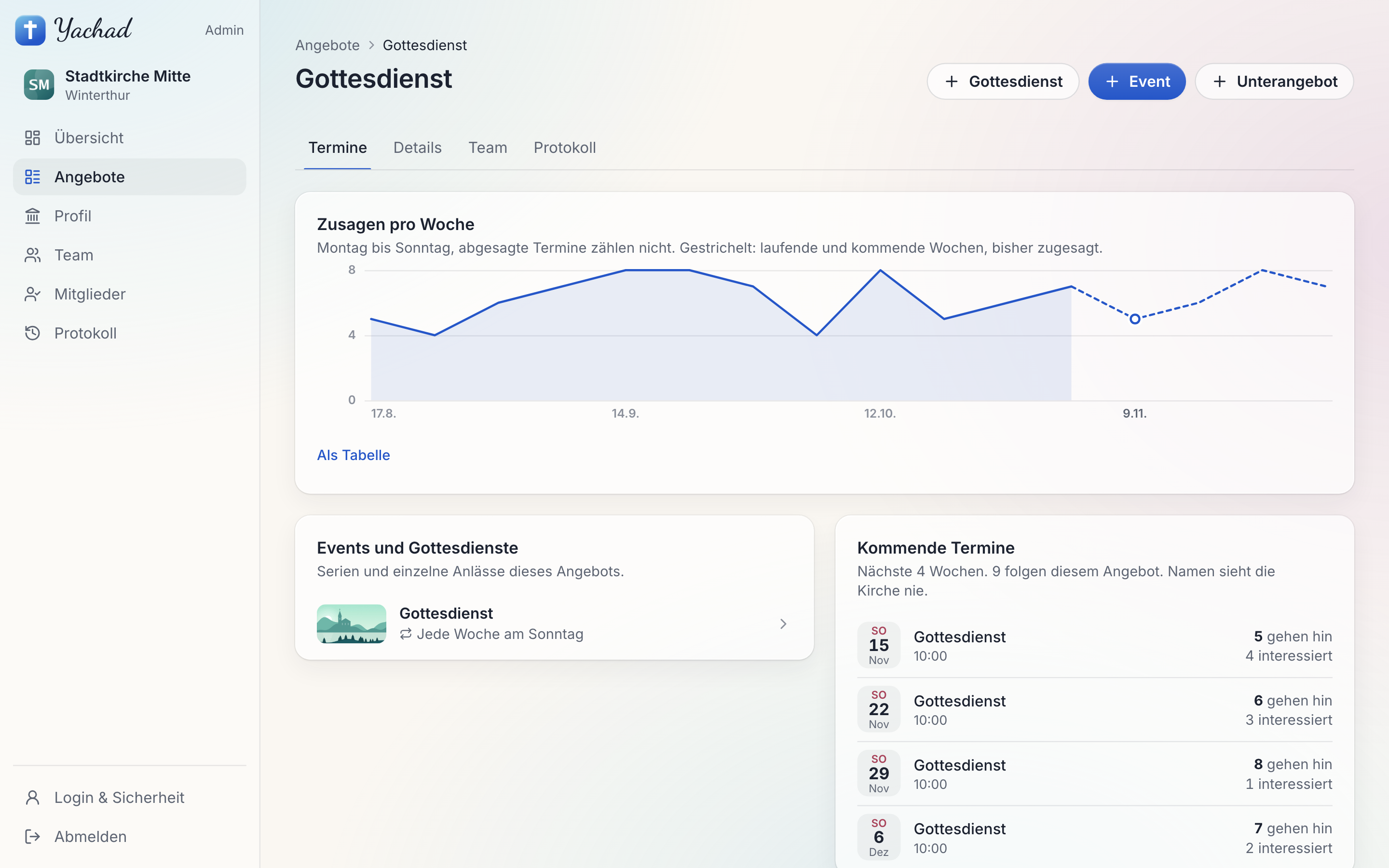
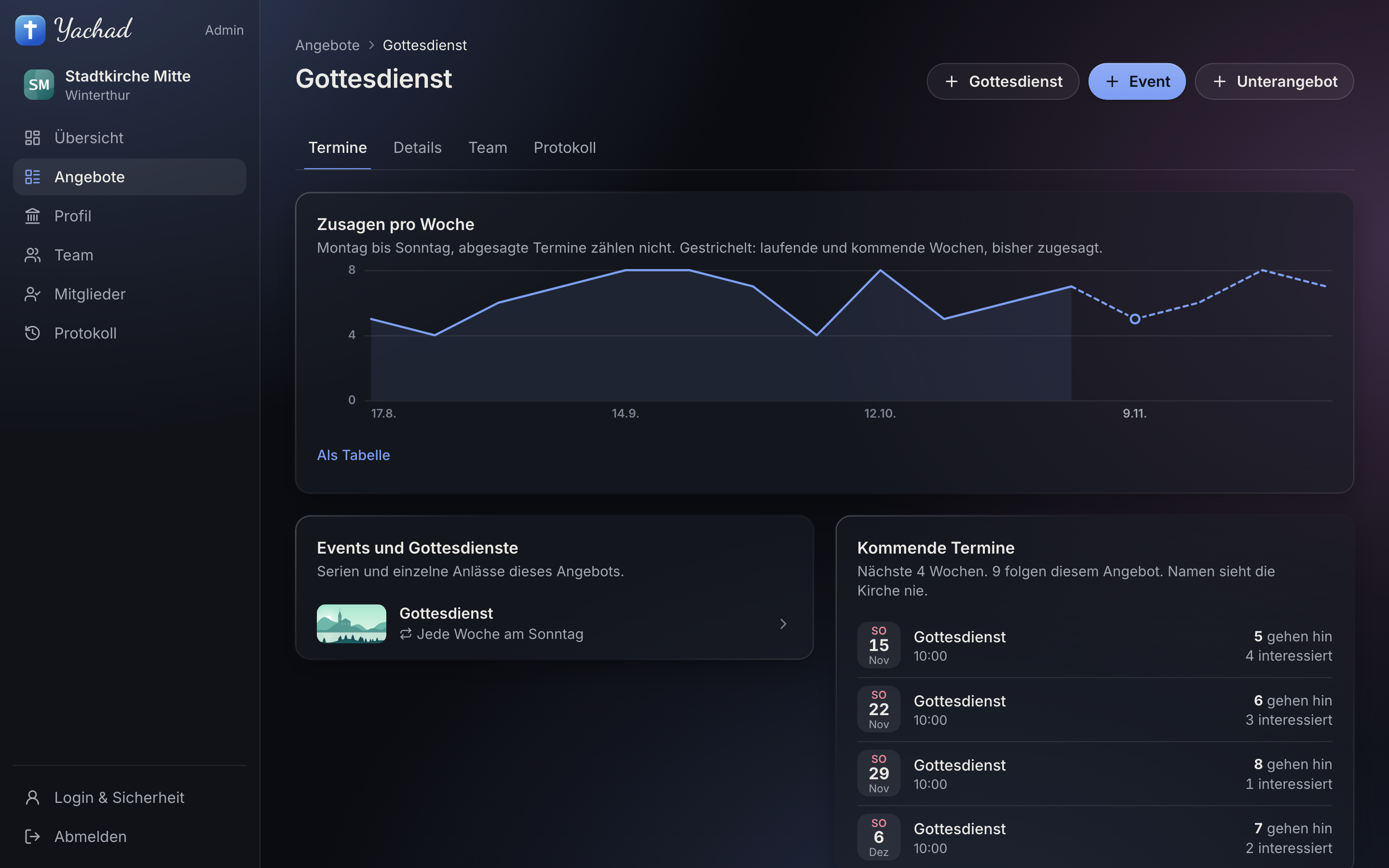
You see how many are coming. Never who.
RSVPs per date and per week, as a number. That keeps the first visit non-committal for people who are looking.
No church ranks higher. Visibility can’t be bought.
- No ranking
- No denomination is favoured, and a managed profile isn’t placed higher in search or on the map.
- No verdict
- “That fits you” explains what matches a person’s own preferences. Yachad doesn’t judge doctrine.
- No admin software
- Members, rotas and finances stay in the tools you already use.
Already using ChurchTools? An import is planned.
-
ChurchTools
Your dates are meant to appear in Yachad straight from there, without entering them twice.
-
Another tool
Write and tell me which one you use. I’ll look into whether an import is feasible.
Send an email
Four steps to get started.
-
1 Find your church
If a basic profile from public sources already exists, you take it over. Otherwise you add your church.
-
2 Confirm the address
With the church’s official email address, such as info@…
-
3 Review
I review every application by hand, usually within a few days. After that your church is verified.
-
4 Get going
Set up your password and two-factor authentication, complete the profile, invite your team.